

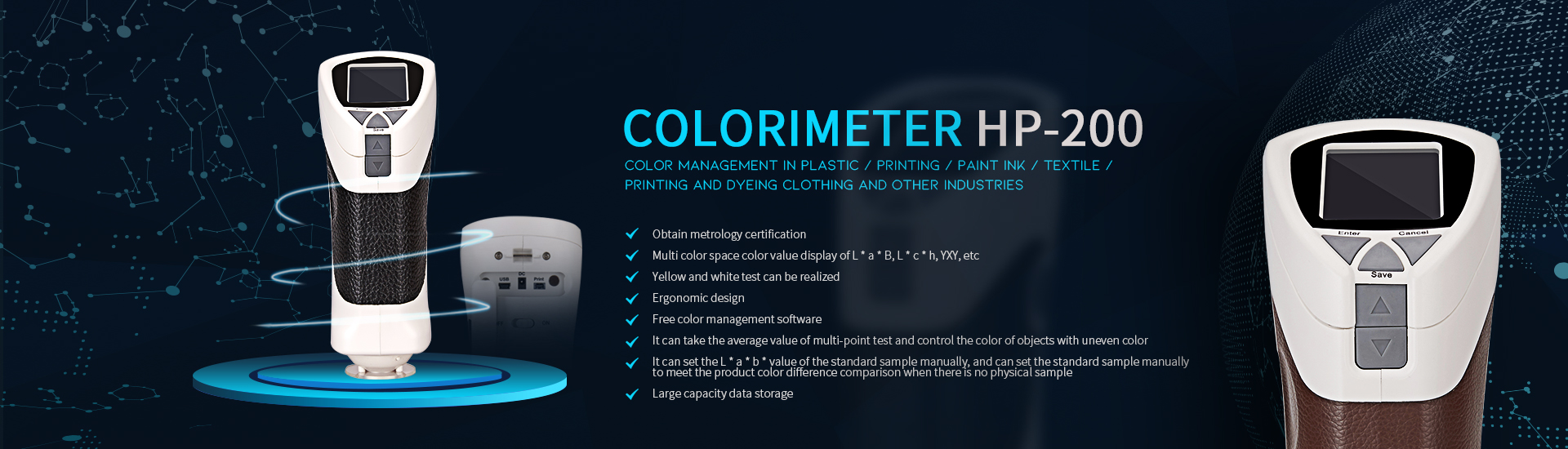







One (power supply):
Install four batteries to the instrument, two left and right (Note: 1.5V alkaline batteries or NiMH batteries) can also be connected to the DC power adapter (use the power adapter that comes standard with the instrument)
Two (black and white calibration):
Grasp the indentation groove with the thumb of your right hand, pick up the instrument, turn the switch from off to on, and turn off the dust cover on the bottom of the instrument. Align the test hole with the black cavity and white board for black and white calibration. Press the TEST key. After you hear the beep, the calibration is successful. After two successful calibrations, you can. (Note: The transparent bottom plate of the test hole is made of glass. Please pay attention to it when calibrating. In order to maintain the stability of the instrument, it is recommended to perform black and white calibration every time you turn it on.)
Three (set tolerance):
As each industry has different requirements for data tolerance, before measurement, enter the "Settings" of the main interface, modify the tolerance value in the "Measurement Settings", enter with ENTER, and press the up and down keys to modify.
Four (standard sample test):
After setting the tolerance, enter the “measurement” of the main interface, press the test hole firmly against the surface of the standard sample, and press the TEST key to get the data of the standard sample (color space: L * a * b, L * c * h, R , G, B, Y, x, y, you can choose), press SAVE key to save (can be named)
Five (sample test):
After testing the standard sample, "call in the standard sample", that is, enter the sample measurement interface, press the test hole tightly on the surface of the sample, press the TEST key to get the sample data, and press the SAVE key to save (name). On the right side of the interface, the difference between the sample and the standard is directly displayed, and the pass or fail is displayed against the tolerance.
Six (data viewing):
After the test is completed, return to the main interface and enter the "data view" to view, delete or edit the tested standards or samples in detail (10 groups of standard samples, 100 groups of samples under each group of standard samples).
Seven (complete homing):
Exit after confirming that the data is saved. Close the bottom dust cover. Turn the switch from on to off to turn it off. Put it back in the box. Take care to remove the dry batteries in time.


